Most major chatbots, social networks, browsers and phones now have a setting that limits how a person’s chats, posts or files are used to train AI, or that turns AI features off, though the switches are scattered and often on by default. The opt-outs also sit against a growing set of class actions accusing AI companies of using people’s data without clear consent.

Why the Settings Matter
Chatbots and the AI tools built into everyday apps generate a steady stream of personal material: questions about health and money, drafts of work documents, photos, voice recordings, private messages. Many companies use some of that material to “improve” their models, and several say in their own help pages that human reviewers may read a sample of it. Google’s Gemini privacy hub, for example, tells users not to enter anything they would not want a reviewer to see.Two limits are worth knowing before changing anything. First, these switches look forward. LinkedIn says turning its setting off does not undo training that has already happened, and Anthropic says the same for Claude. Second, an opt-out only works if the company honors it, and the settings change often, so the steps below link to each company’s own instructions, which are the authority if a menu has moved.
The list is organized the way the Electronic Frontier Foundation organized a similar roundup for its October 2026 “Opt Out October” campaign, and the steps were checked against the companies’ help pages where they were available.
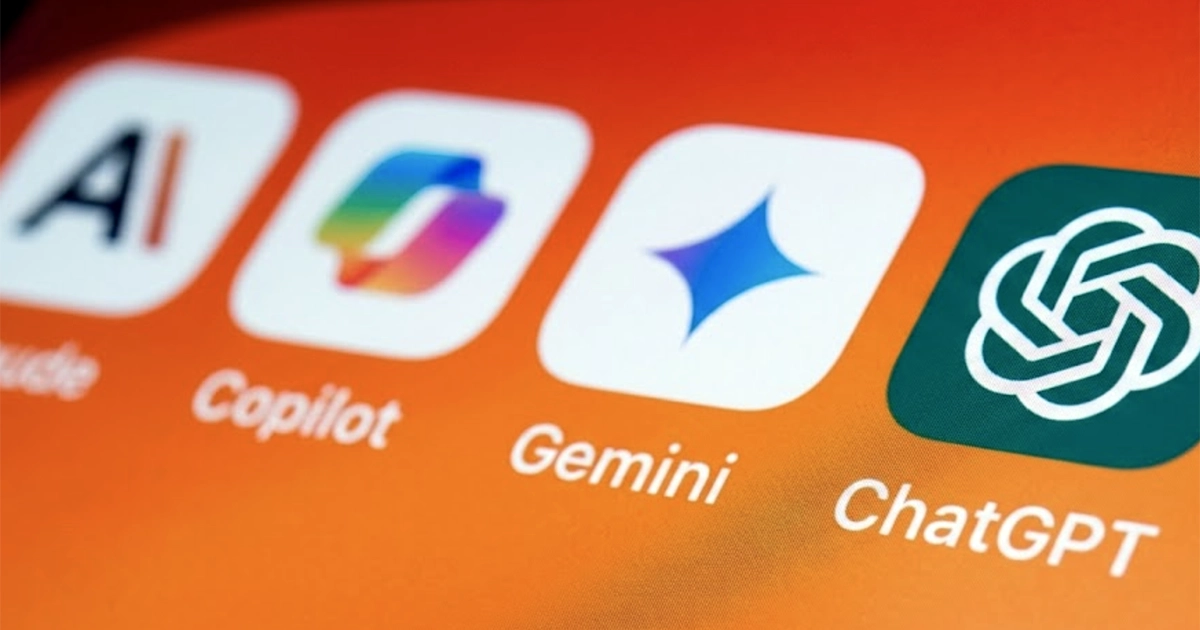
Chatbots: ChatGPT, Gemini, Claude, Copilot and Perplexity
Every major chatbot lets users stop new conversations from being used for training, though the name of the switch differs:- ChatGPT: the training control is in Settings under Data Controls (“Improve the model for everyone”). OpenAI’s Data Controls FAQ explains it.
- Gemini: Google ties training and human review to the Keep Activity setting (formerly Gemini Apps Activity). Turning it off also disconnects some apps, including Google Workspace, from Gemini. Google’s Gemini privacy hub.
- Claude: in Settings, then Privacy, the “Help improve” toggle for AI models controls training on new chats and coding sessions. Anthropic’s instructions. Anthropic notes that conversations flagged by its safety systems may still be used for safety work.
- Microsoft Copilot: under the profile, then Account and Privacy, there are separate switches for “Training on conversation activity” and “Training on voice conversations.” Microsoft’s privacy controls page. Microsoft says the switches do not stop use for advertising, safety or other product purposes.
- Perplexity: the “AI data retention” toggle on the Preferences page of account settings is on by default for Free, Pro and Max users. Perplexity’s data collection page.
Human review is not hypothetical. A class action filed in September 2026 alleges that OpenAI let outside contractors read and grade real ChatGPT conversations under a program called “Project Lily”, and another alleges OpenAI trained on minors’ ChatGPT data without parental consent. Both are allegations at the complaint stage.
Social Networks: LinkedIn, Snapchat, Twitch and X
Public posts were a large share of the data used to train today’s language models, and anything public is easy to scrape. Some networks still give users a switch over their own use of that content:- LinkedIn: profile picture, then Settings & Privacy, then Data Privacy, then “Data for Generative AI Improvement.” Turn off the option to use your data for training content-creation AI models. LinkedIn’s help page.
- Snapchat: the gear icon, then Privacy Controls, then Manage My Information. The setting covers Snap’s use of public content such as Spotlight posts, Public Stories and Snap Map submissions, which Snap says may include human review. Snapchat’s generative AI page.
- Twitch: profile picture, Settings, then the Security and Privacy tab, where a “Training for Generative AI” box can be unchecked. Twitch’s account settings article.
- X: Settings and privacy, then Privacy and safety, then “Grok & Third Party Collaborators” under data sharing and personalization, where each option can be unchecked. X’s Grok help page.
On networks without a dedicated switch, including Instagram and Facebook, setting an account to private is the main control, and it also makes scraping by outside companies harder.
The Twitch setting is at the center of a lawsuit. A streamer’s proposed class action alleges Twitch and Amazon fed streams, VODs, clips and chat logs into Amazon’s AI, and that the opt-out only appeared in August 2026, after years of content had been collected.
Browsers: Chrome, Edge and Firefox
Browser AI features read what is on the page, and in some cases what is typed into it. Each of the big three gathers them in one place:- Chrome: three-dot menu, Settings, then the “AI innovations” section, where each feature has its own switch.
- Edge: three-dot menu, Settings, then “Copilot and AI,” where individual tools can be turned off.
- Firefox: menu, Settings, then the “AI controls” tab. A single “Block AI enhancements” option turns everything off, or tools can be disabled one by one.
Phones: Android and iPhone
Phone makers are building AI into the keyboard, the photo library and the assistant, which makes it harder to avoid. On Android, the steps vary by manufacturer; on a Google Pixel or other phone with Gemini:- Gemini as the assistant: Google retired the option to switch back to Google Assistant in September 2026, so the remaining choices are to turn the Gemini assistant off or remove it from the power button, using Google’s instructions.
- Google Messages: profile icon, Messages settings, then “Gemini in Messages,” where the Gemini button can be hidden.
- Google Photos: profile icon, Photos settings, Preferences, then “Gemini features in Photos.”
- Gboard: the gear icon above the keyboard, Corrections & suggestions, then the Writing tools option.
On an iPhone or iPad running iOS 27, Apple put the controls under Screen Time: Settings, Screen Time, Content & Privacy Restrictions (switched on if it never has been), then Siri, where “Allowed Siri Version” can be set to Siri Classic. The same screen controls Writing assistance, Math assistance and Image creation. Apple’s guide covers the details.
Apple’s AI rollout has its own settlement. Buyers of an iPhone 15 Pro, iPhone 15 Pro Max or any iPhone 16 model from June 10, 2024 to March 29, 2025 can claim $25 per device, adjustable up to $95, from the $250 million Apple Intelligence Siri settlement, which resolves claims that Apple advertised AI Siri features that were not available. Claims close December 21, 2026.
Gmail and Google Workspace
Google bundles Gmail’s AI into a single “Smart features” setting. Turning it off (the cog icon, See all settings, then the General tab) also turns off long-standing conveniences such as Smart Compose, automatic inbox filters and some spellcheck, as Google explains. For the rest of Workspace, the switches are in Google Drive’s settings under Privacy, then “Manage Workspace smart feature settings,” where “Smart features in Google Workspace” and “Smart features in other Google products” can be turned off, at the cost of features such as Gmail events showing up automatically in Calendar.Those Gmail and Chat features are the subject of Thele v. Google, a proposed class action alleging Gemini was switched on to read users’ email and messages without consent. A judge dismissed the first complaint in July 2026; the plaintiffs refiled in August, and Google moved to dismiss again on September 29, 2026.
Zoom, Adobe Acrobat, Notion and Everything Else
AI assistants now appear in meeting software, PDF readers and note apps, and each has its own off switch: Zoom, Adobe Acrobat and Notion each publish instructions. For software not on this list, the settings menu usually has a section labeled AI, smart features, data use or privacy.Meeting tools are a live legal issue too. A pending suit alleges the Otter.ai notetaker recorded meetings without everyone’s consent, and another alleges Meta’s Ray-Ban and Oakley AI glasses sent footage to human reviewers without proper disclosure.
Running AI on Your Own Computer
For people who use AI but do not want their data on a company’s servers, open-weight models can run locally on a desktop or laptop, usually more slowly and with less polish than the big cloud services. Local inference tools such as LM Studio, Ollama, KoboldCpp and Mozilla’s Llamafile load a model that fits in the computer’s memory and keep the conversation on the machine. Some single-purpose tools, such as local transcription apps, package a model so there is nothing to choose or configure.The Class Actions Over AI and Personal Data
The settings above exist partly because of pressure from regulators and courts. Lawsuits over how AI companies collect and use data fall into a few groups:- Chat privacy: the ChatGPT human review and minors’ data cases, and the Gemini Gmail case.
- Training on creators’ work: the Twitch streamers’ suit and the publishers’ and authors’ suit against Google over books used to train Gemini.
- Recording and biometrics: the Otter.ai and Meta glasses suits, plus face-scan cases under Illinois’ biometric privacy law.
- Settlements that have paid: the $1.5 billion Anthropic book-copyright settlement, whose claims closed in March 2026, and the Apple Intelligence settlement that is taking claims now.
Except for the settlements, these are unproven allegations, and the companies dispute them. OCA tracks new filings and rulings in its AI class action lawsuit tracker.
Free settlement alerts
Get notified when new class actions open to claims
Join thousands of readers who get the latest class action settlements you may qualify for — delivered straight to your inbox.
Frequently Asked Questions
Does opting out of AI training remove data a company already used?
Generally not. LinkedIn says turning its setting off does not affect training that has already taken place, and Anthropic says data stays in models already trained or in training runs already started. The switches govern future use.
Is turning off AI training the same as turning off AI features?
No. A training switch controls whether a company uses a person’s content to improve its models. A feature switch, such as Gmail smart features or Apple’s Siri version setting, controls whether the AI tools run at all. Some products offer one, some both, and turning features off can also disable older conveniences like spellcheck or automatic filters.
Can public social media posts be kept out of AI training?
Only partly. LinkedIn, Snapchat, Twitch and X have settings covering the platform’s own use. On networks without such a setting, such as Instagram and Facebook, a private account is the main lever, and it also makes scraping by outside companies harder. Content that was public in the past may already be in training sets.
Are there class actions over AI companies using personal data?
Yes. Pending suits include claims that contractors read ChatGPT conversations, that OpenAI trained on minors’ chats without parental consent, that Gemini scanned Gmail and Chat by default, and that Twitch fed streams into Amazon’s AI. These are allegations; none has been proven. Separately, settlements such as Anthropic’s $1.5 billion book-copyright deal have paid people whose work was used.
Sources
• Company help pages linked in each section: OpenAI, Google (Gemini, Gmail, Workspace), Anthropic, Microsoft, Perplexity, LinkedIn, Snap, Twitch, X, Apple, Zoom, Adobe and Notion.• Electronic Frontier Foundation, Surveillance Self-Defense, “I Want to Opt Out of AI Tools or Training Made by Big Tech” and its iOS 27 Siri walkthrough.
• Case details from OCA’s coverage of each lawsuit and settlement, linked above.